



Download 250+ AI Prompts for WordPress Website

Using AI prompts for WordPress websites can help you create high-quality content, optimize SEO, enhance user experience, and automate repetitive tasks. Whether you are a beginner or an advanced user, AI prompts can improve productivity, save time, and boost engagement. This guide covers 10 essential AI prompts for WordPress websites, explained stepwise with examples, image suggestions, and actionable tips to make your website smarter and more efficient.

1. AI Prompts for Blog Content Creation

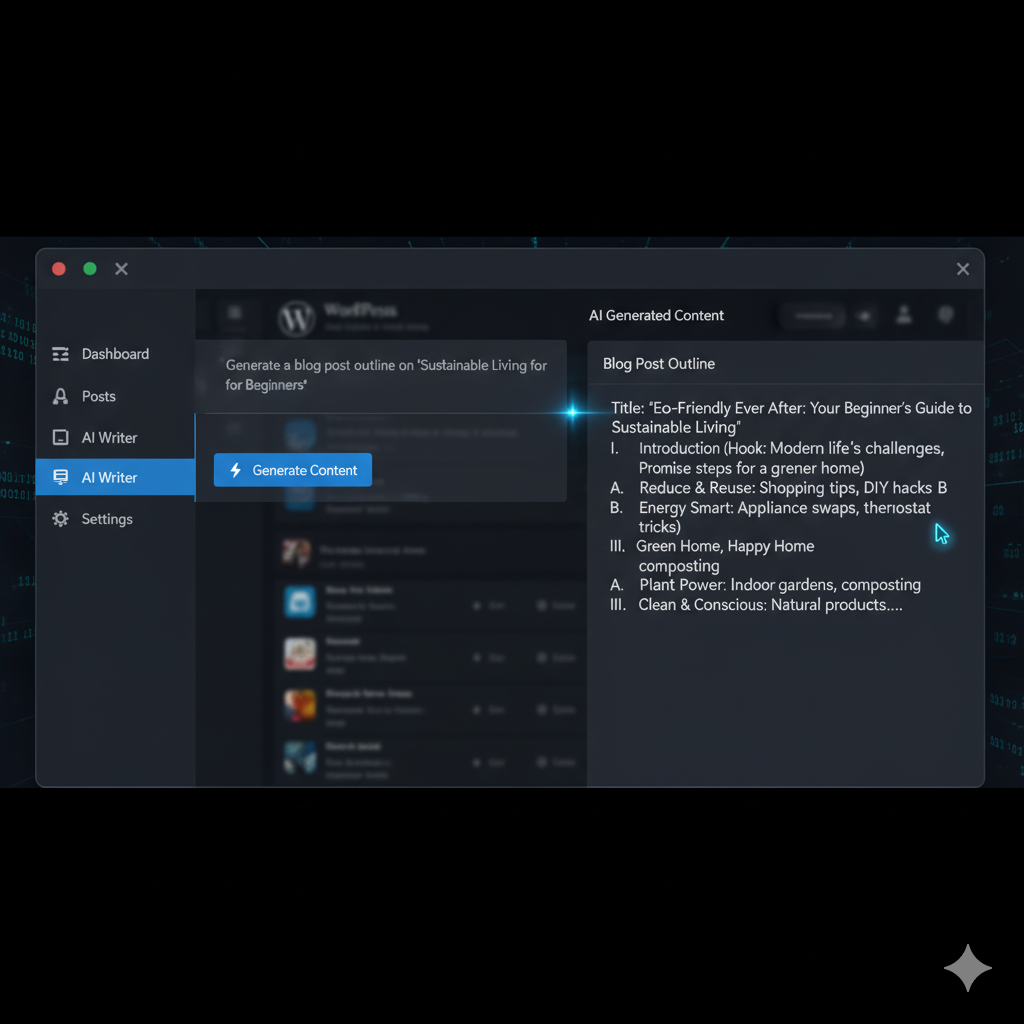
Creating high-quality content consistently is essential for any WordPress website. AI prompts can help you generate blog ideas, outline articles, or even write entire posts. For example:

  • Prompt Example: “Generate 5 blog post ideas about WordPress SEO for beginners.”

  • Prompt Example: “Write a 1000-word article on improving WordPress website speed.”

AI tools can suggest headings, meta descriptions, and keywords optimized for search engines. They can also adapt the tone of your writing—professional, casual, or engaging—depending on your audience. This reduces writer’s block and ensures consistent publishing schedules.

Download PDF File

2. AI Prompts for SEO Optimization

SEO is vital for WordPress visibility. AI prompts can help analyze content and provide actionable improvements.

  • Prompt Example: “Check this blog for SEO keywords and suggest improvements.”

  • Prompt Example: “Create meta descriptions and SEO-friendly titles for WordPress posts.”

AI can also recommend internal linking strategies, keyword density, and alt texts for images. Leveraging AI ensures your website ranks higher on Google without deep technical SEO knowledge.

3. AI Prompts for Website Design Suggestions

A visually appealing website keeps visitors engaged. AI can suggest layouts, color palettes, and typography improvements.

  • Prompt Example: “Suggest a modern homepage layout for a WordPress tech blog.”

  • Prompt Example: “Provide a color palette for a lifestyle WordPress website.”

AI can also recommend image placement and font sizes to enhance readability.

Image Suggestion: Mockup of AI recommending website layouts or color palettes.

4. AI Prompts for Content Editing and Grammar Checks

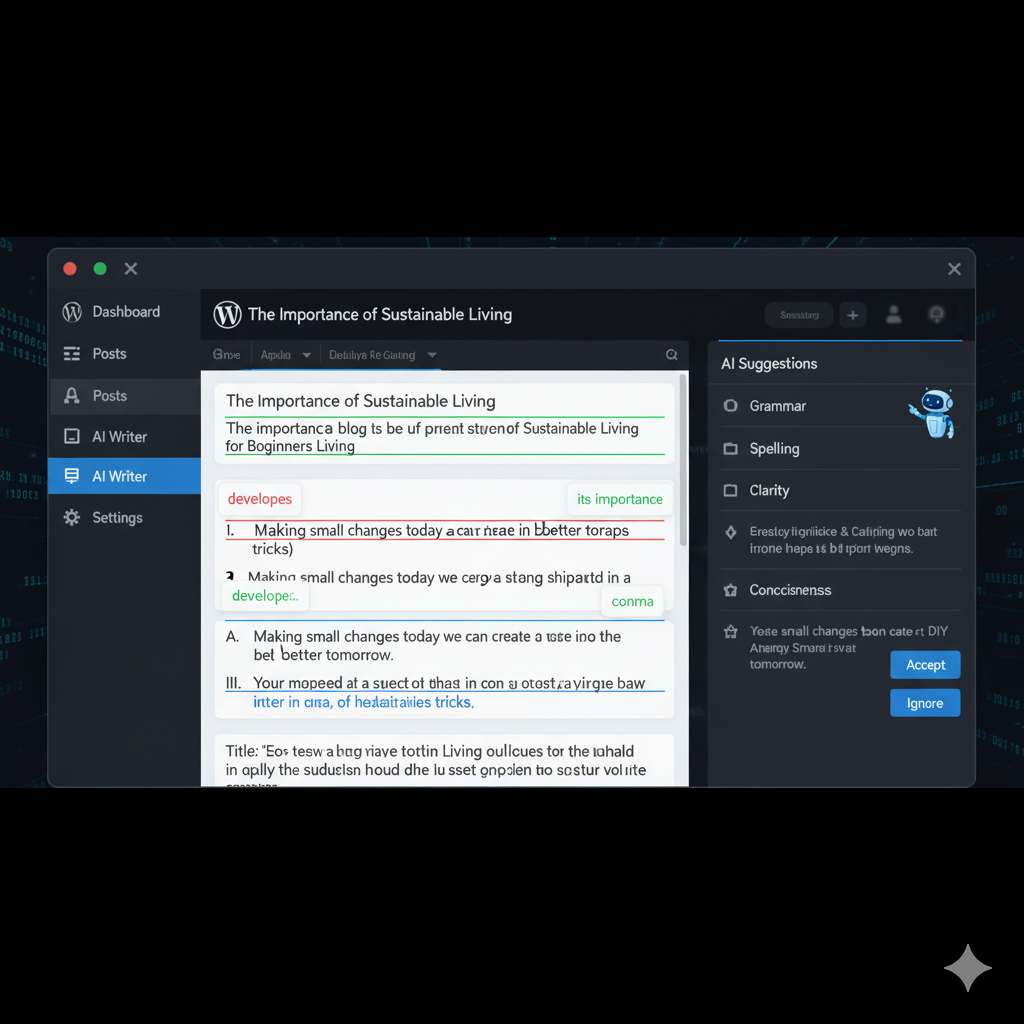
Even experienced writers need editing. AI can proofread, improve clarity, and enhance readability.

  • Prompt Example: “Proofread this WordPress blog post for grammar and readability.”

  • Prompt Example: “Make this article more engaging for beginners.”

AI ensures professional-quality content without hiring an editor, saving time and maintaining consistency.

Download PDF File

Screenshot of AI editing tool with grammar suggestions highlighted.

5. AI Prompts for Image and Media Suggestions

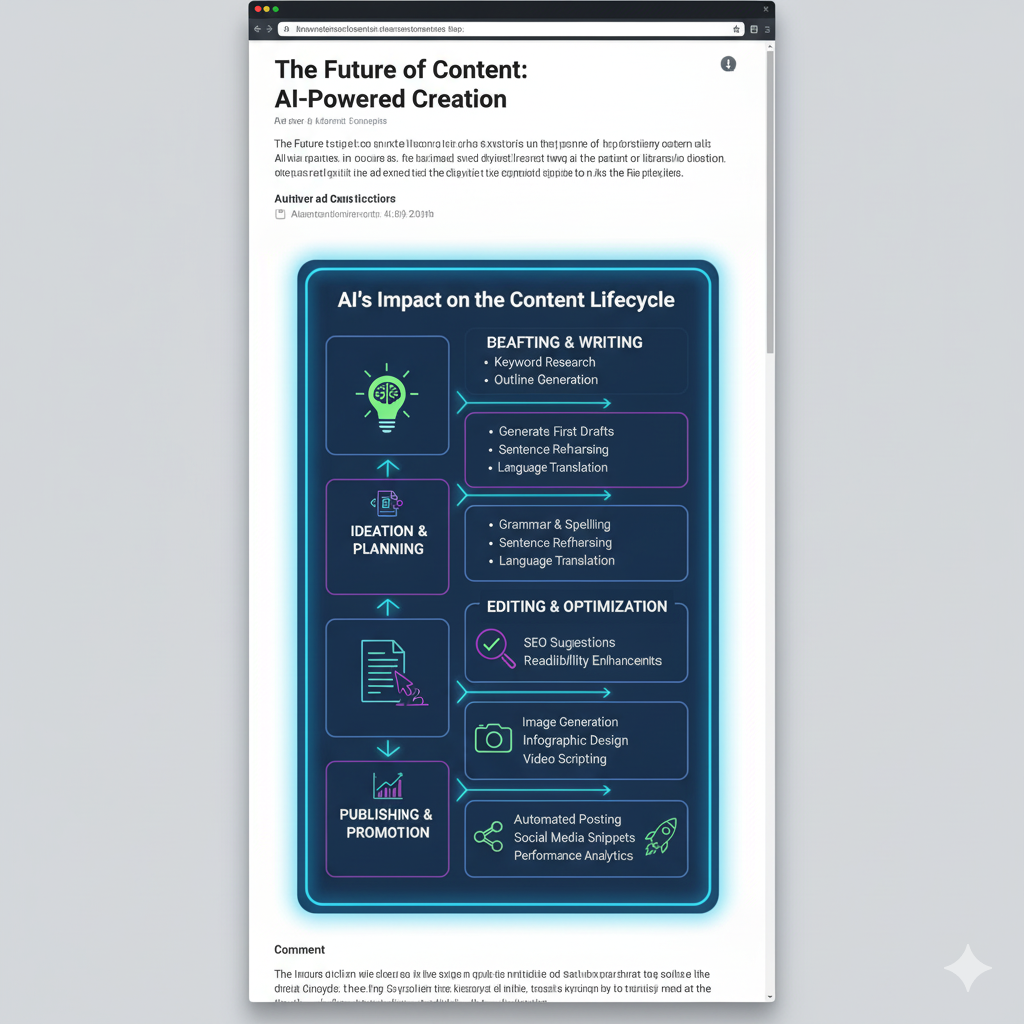
Visual content improves engagement. AI can suggest relevant images, infographics, and videos for your posts.

  • Prompt Example: “Suggest 5 images for a blog on AI in WordPress.”

  • Prompt Example: “Generate an infographic for improving website speed.”

This ensures content is visually appealing and supports the text.

6. AI Prompts for Plugin Recommendations

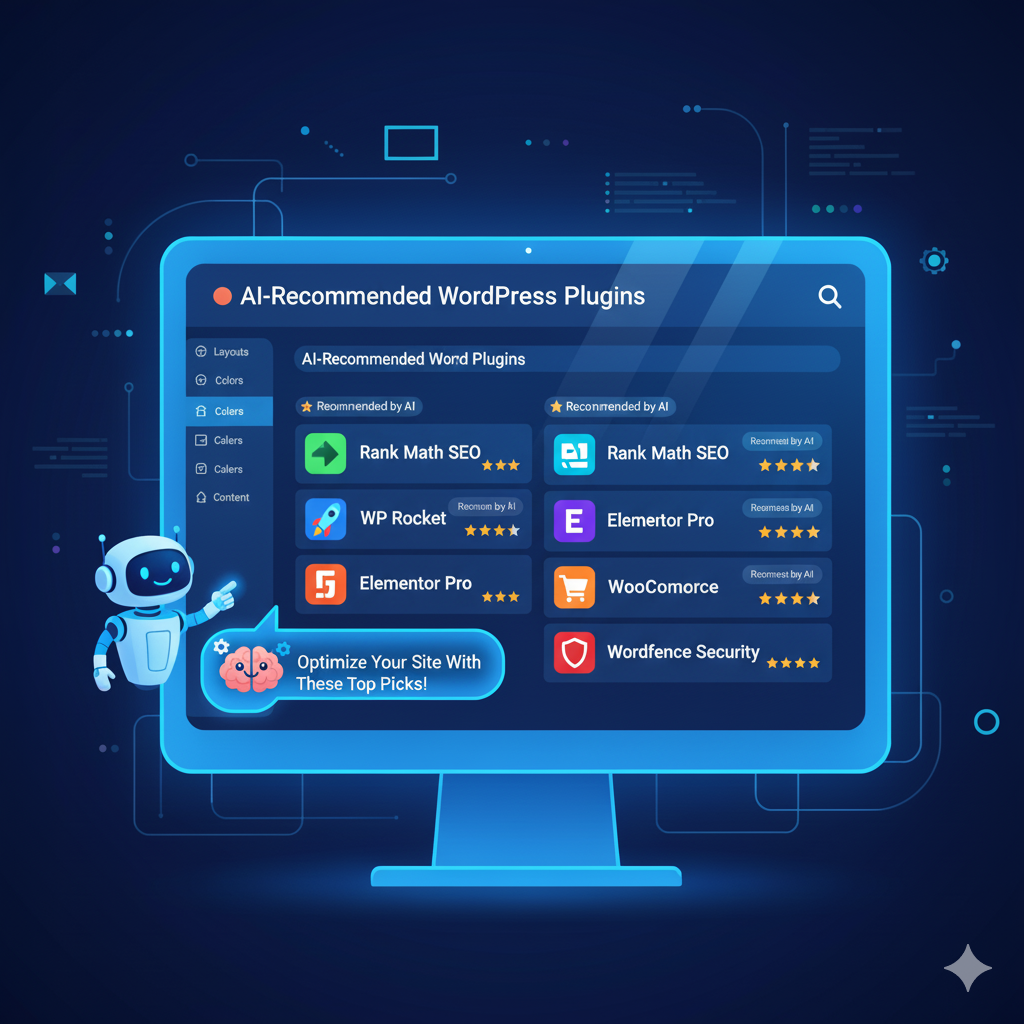
Choosing the right plugins can be overwhelming. AI can recommend plugins based on your website’s needs.

  • Prompt Example: “Suggest the best SEO plugins for WordPress in 2025.”

  • Prompt Example: “Recommend security plugins for beginner bloggers.”

AI reduces trial-and-error, ensuring your website remains secure, fast, and feature-rich.

7. AI Prompts for Automating Social Media Sharing

AI can create captions, hashtags, and even scheduling suggestions for social media.

  • Prompt Example: “Generate 5 Instagram captions for my WordPress blog on AI.”

  • Prompt Example: “Suggest trending hashtags for WordPress-related posts.”

Automation ensures a consistent social media presence, driving traffic to your website.

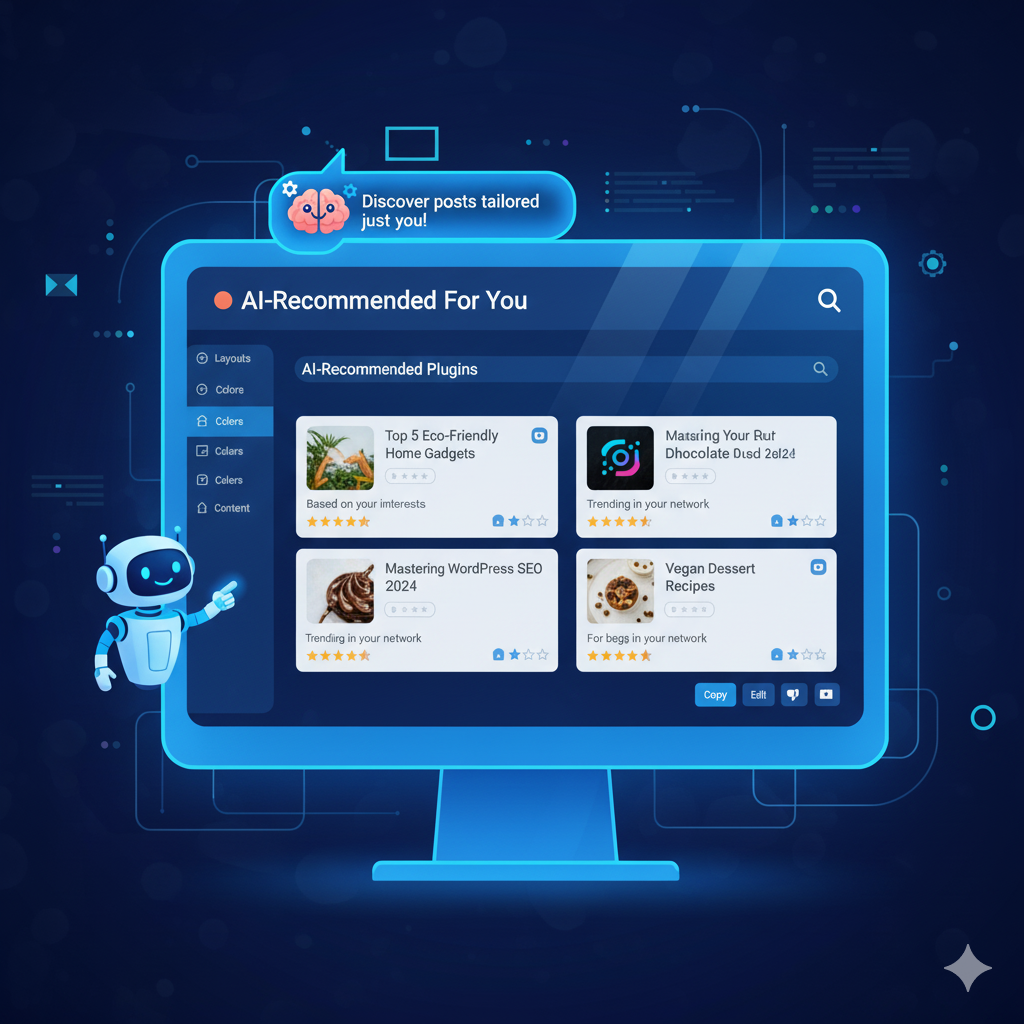
8. AI Prompts for Personalized User Experience

Personalized content increases engagement. AI can suggest dynamic content based on visitor behavior.

  • Prompt Example: “Recommend posts to a user based on their reading history.”

  • Prompt Example: “Generate AI prompts for content personalization for WordPress visitors.”

Personalization reduces bounce rate and encourages repeat visits.

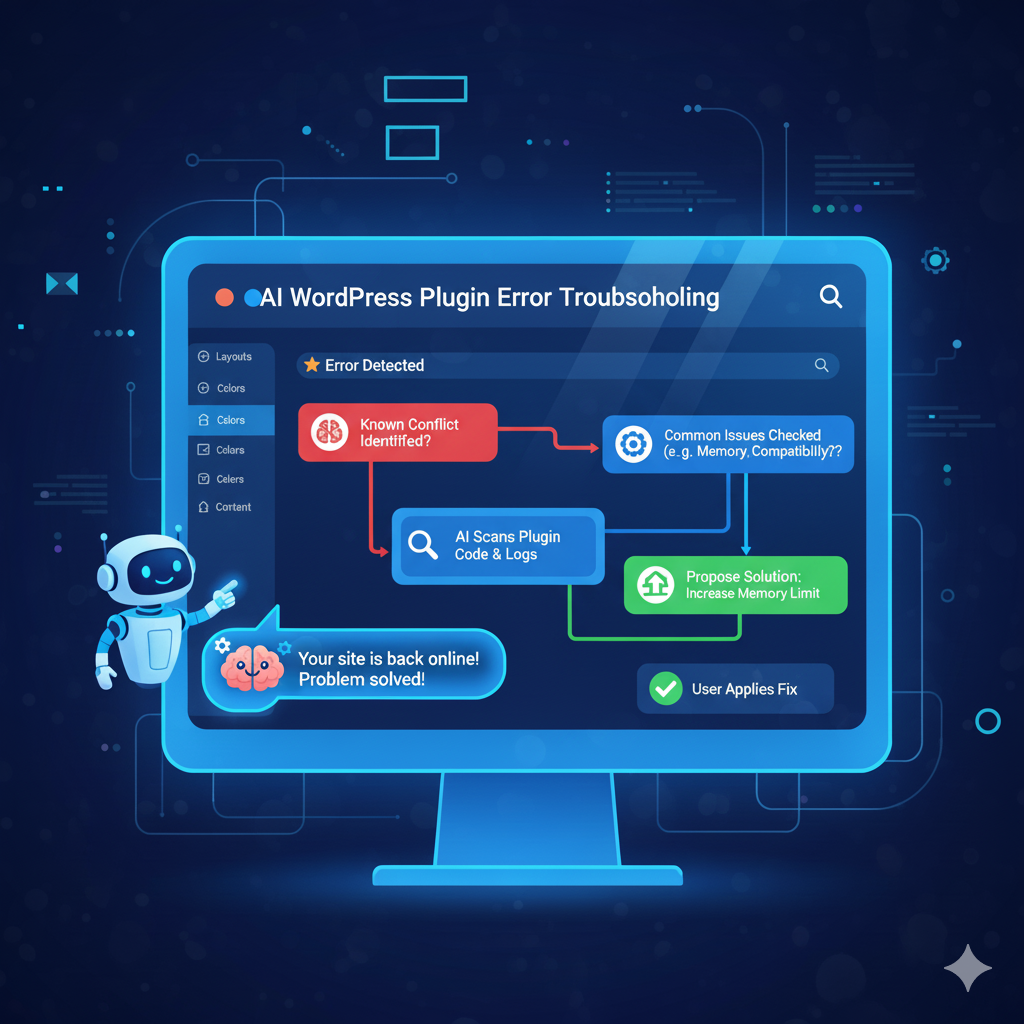
9. AI Prompts for Troubleshooting and Support

WordPress issues can be solved faster with AI guidance.

  • Prompt Example: “How to fix slow WordPress site loading?”

  • Prompt Example: “Suggest solutions for plugin conflicts in WordPress.”

AI provides step-by-step instructions, reducing dependency on forums or developers.

10. AI Prompts for Website Analytics and Improvement

AI can analyze visitor data and suggest improvements for engagement and conversion.

  • Prompt Example: “Analyze my WordPress traffic and suggest ways to increase engagement.”

  • Prompt Example: “Provide insights for reducing bounce rate on blog posts.”

AI-driven insights help you make data-backed decisions to grow your website.

Download PDF File

Conclusion

AI prompts have become an essential tool for anyone managing a WordPress website. From creating high-quality content and optimizing SEO to improving design, personalizing user experience, and automating repetitive tasks, AI can dramatically enhance productivity and efficiency. By leveraging AI prompts strategically, beginners can overcome the learning curve, while experts can save time and focus on growth-oriented tasks. Implementing the 10 stepwise AI strategies discussed in this guide ensures that your WordPress website not only runs smoothly but also remains engaging, visually appealing, and optimized for search engines. With AI as your assistant, you can consistently generate quality content, make data-driven decisions, and provide a superior experience to your visitors. In essence, AI prompts do not replace human creativity but amplify it—helping you manage, optimize, and grow your WordPress website more effectively than ever before.

Frequently Asked Questions

1. What are AI prompts for WordPress websites?
AI prompts for WordPress websites are specific commands or instructions you give to AI tools to generate content, design suggestions, SEO strategies, or other website-related outputs. For example, you can ask AI to create blog ideas, optimize meta descriptions, or suggest plugins. Using AI prompts saves time, ensures quality, and helps both beginners and experts manage their WordPress websites efficiently.
2. How can AI prompts improve my WordPress content creation?
AI prompts can help generate blog topics, write full posts, structure articles, and even suggest headings and meta tags. Instead of spending hours brainstorming or writing manually, you can use prompts like “Write a 1000-word WordPress tutorial for beginners” to get high-quality content quickly. This ensures consistency in publishing and improves overall content productivity.
3. Can AI prompts help with SEO optimization on WordPress?
Yes! AI prompts can analyze your content and provide SEO recommendations, including keyword suggestions, meta descriptions, alt text for images, and internal linking strategies. For instance, a prompt like “Optimize this WordPress blog for SEO” can guide you to improve rankings on Google without requiring advanced SEO expertise.
4. Are AI prompts useful for WordPress website design?
Absolutely. AI prompts can suggest layouts, color palettes, typography, and image placements tailored for your website niche. For example, prompts like “Suggest a modern homepage layout for a WordPress tech blog” can give design insights that save time and improve user experience.
5. Which AI tools are best for WordPress prompts?
Some of the best AI tools include: ChatGPT for content creation and editing Canva AI / MidJourney for graphics and infographics AI SEO tools like Surfer SEO or Jasper AI for optimization AI website assistants for plugin suggestions or troubleshooting These tools, combined with effective prompts, make WordPress management faster and smarter.
6. Can AI prompts help with images and media for WordPress?
Yes. AI can suggest or even generate images, infographics, or videos for your posts. Prompts like “Generate a relevant infographic for a WordPress SEO blog” help enhance visual appeal, improve engagement, and increase time on page.
7. Do AI prompts help with social media sharing for WordPress blogs?
Definitely. AI prompts can create captions, hashtags, and social media post suggestions for platforms like Instagram, Facebook, or Twitter. For example, “Create 5 engaging captions for my latest WordPress blog” can save time and improve outreach, driving traffic back to your website.
8. Are AI prompts suitable for beginners in WordPress?
Yes. Beginners can use AI prompts to learn website management, create content, optimize SEO, and even troubleshoot common issues. Step-by-step AI guidance helps reduce mistakes and accelerates the learning process.
9. Can AI prompts help with analytics and website improvement?
Absolutely. AI can analyze your WordPress traffic, engagement metrics, bounce rate, and conversions. Prompts like “Suggest ways to improve user engagement on my WordPress blog” can provide actionable insights to grow your website effectively.
10. Are AI prompts a replacement for human work in WordPress?
Not entirely. While AI prompts automate repetitive tasks, generate content, and provide suggestions, human oversight is still essential for creativity, decision-making, and quality control. AI serves as a powerful assistant that enhances productivity and efficiency.

Read More Blogs