WordPress एक free और open-source Content Management System (CMS) है, जिसका उपयोग करके बिना किसी coding knowledge के आसानी से professional websites, blogs, business websites, eCommerce stores, portfolio sites आदि बनाई जा सकती हैं।
Aaj ke digital zamaane me, WordPress सबसे popular platform बन चुका है, क्योंकि इसकी flexibility, easy customization, और strong community support ki wajah se हर कोई इसे पसंद करता है।
🔔 Puri duniya की लगभग 43% websites WordPress पर बनाई गई हैं।
WordPress सीखना आसान है अगर आप step by step approach follow करें। सबसे पहले Themes और plugins को समझें और install करना सीखें, ताकि आपकी website का look और functionality setup हो सके। उसके बाद content management और user management पर ध्यान दें, जिससे आप efficiently pages, posts, media aur users को handle कर सकें। इसके बाद SEO-friendly structure aur security features implement करें, ताकि आपकी website Google-friendly और safe बनी रहे। जब basic setup complete हो जाए, तो E-commerce support, backup aur maintenance सीखें, ताकि आपकी website professional और high-performing बनी रहे। इस तरह step by step सीखकर आप WordPress में complete control पा सकते हैं और अपनी website को effectively manage कर सकते हैं।
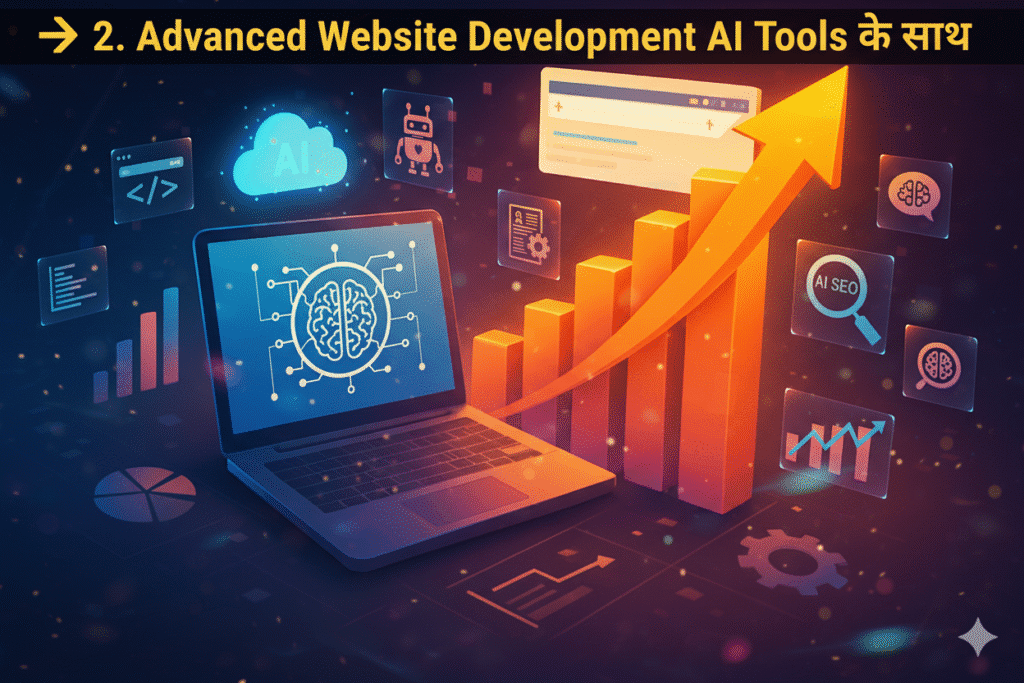
अगर आप basic site से आगे बढ़कर advanced websites बनाना चाहते हैं, तो AI tools ka use करके website development को और भी आसान और professional बनाया जा सकता है।
• Ideas Generate Karne ke liye – ChatGPT ka use करें।
• Code Generate Karne ke liye – Google Gemini और Deepseek जैसे advanced AI tools सबसे effective रहते हैं।
इन AI tools से आपको creative ideas, ready-to-use code snippets, और professional layouts मिल जाते हैं, जिससे आपका website engaging और high-performance बनता है।
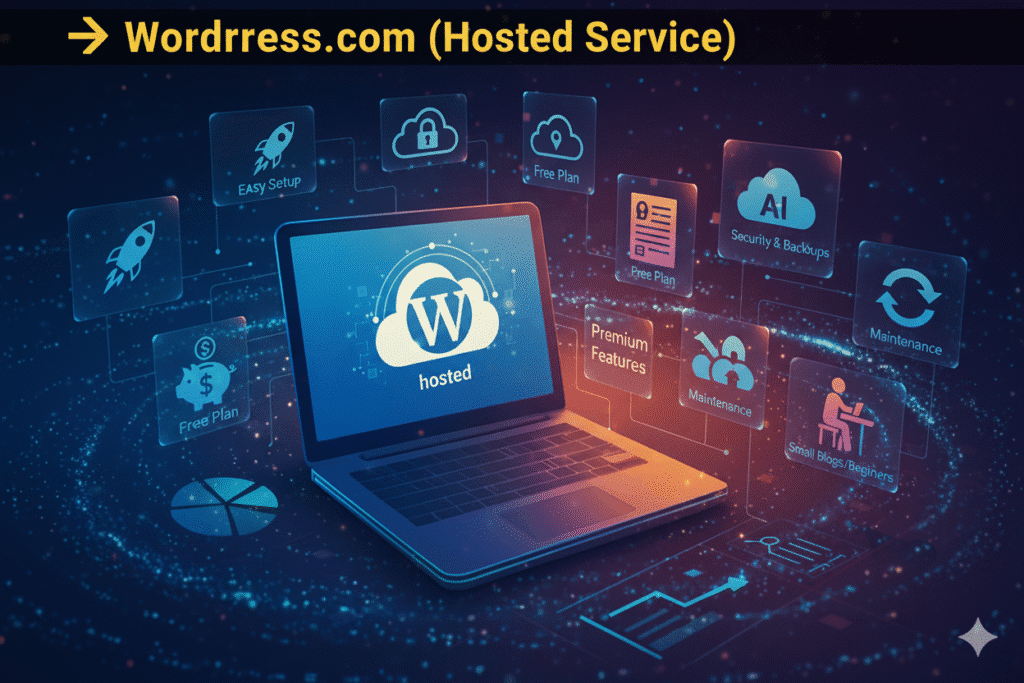
Easy Setup
बिना किसी technical knowledge के website तुरंत शुरू की जा सकती है। Hosting, security, और backups automatically manage होते हैं।
Limited Free Plan Available
Free plan में basic features मिलते हैं, लेकिन advanced features और custom themes/plugins के लिए paid plan लेना पड़ता है।
Automatic Updates & Maintenance
सबकुछ automatically update होता है – WordPress version, security patches, और performance optimizations।
Best For Beginners & Small Blogs
अगर आपका goal सिर्फ personal blog या simple website बनाना है, तो WordPress.com बहुत अच्छा option है।
Full Control on Design & Features
पूरी तरह से customizable – अपने according themes install करें, custom plugins use करें, और server settings modify कर सकते हैं।
Free Software, Paid Hosting Required
WordPress.org का software free है, लेकिन आपको अपनी खुद की hosting (जैसे SiteGround, Bluehost, etc.) खरीदनी होगी।
SEO Friendly & Flexible
Advanced SEO plugins (जैसे Yoast SEO) install करके पूरी site SEO optimized बनाई जा सकती है। Performance optimization भी खुद control होता है।
Best For Businesses & Professional Websites
बड़े businesses, eCommerce stores (WooCommerce), और custom application websites के लिए WordPress.org सबसे सही option माना जाता है।
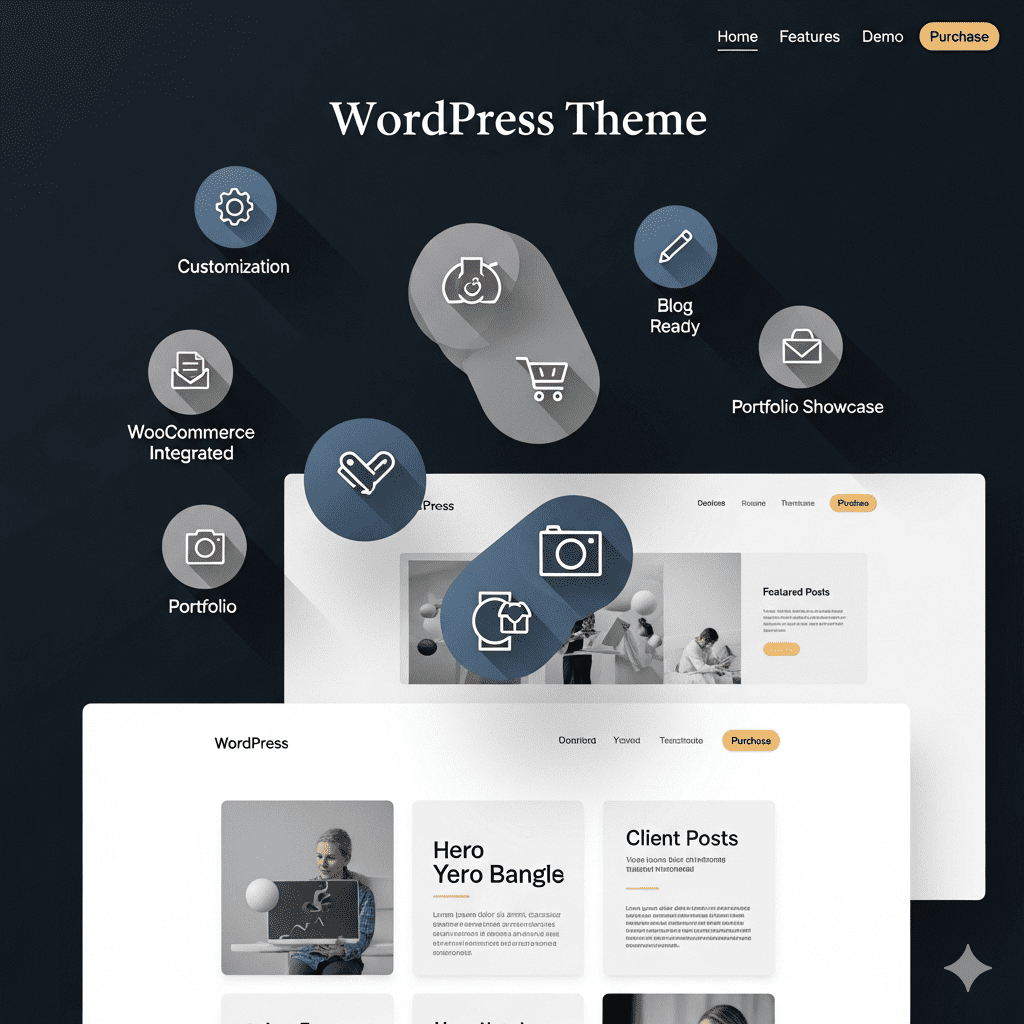
Themes एक website का design और layout तय करते हैं। आपको thousands of free & paid themes मिलती हैं, जिनसे आप अपनी website का look professional और attractive बना सकते हैं।
Professional Look: आपकी website तुरंत attractive और trustworthy दिखती है।
Easy Customization: Drag-and-drop और आसान options से आप website को अपने style में design कर सकते हैं।
Responsive Design: Themes ensure करती हैं कि आपकी website mobile और tablet दोनों पर सही दिखे।
SEO Friendly: Built-in SEO features से आपकी Google ranking improve होती है।
Time-Saving: Coding की चिंता नहीं, theme install करके आप सीधे content और marketing पर focus कर सकते हैं।
Better User Experience: अच्छी theme से visitors का experience smooth और engaging होता है।
Regular Updates: Paid themes में security और features updates नियमित मिलते हैं।
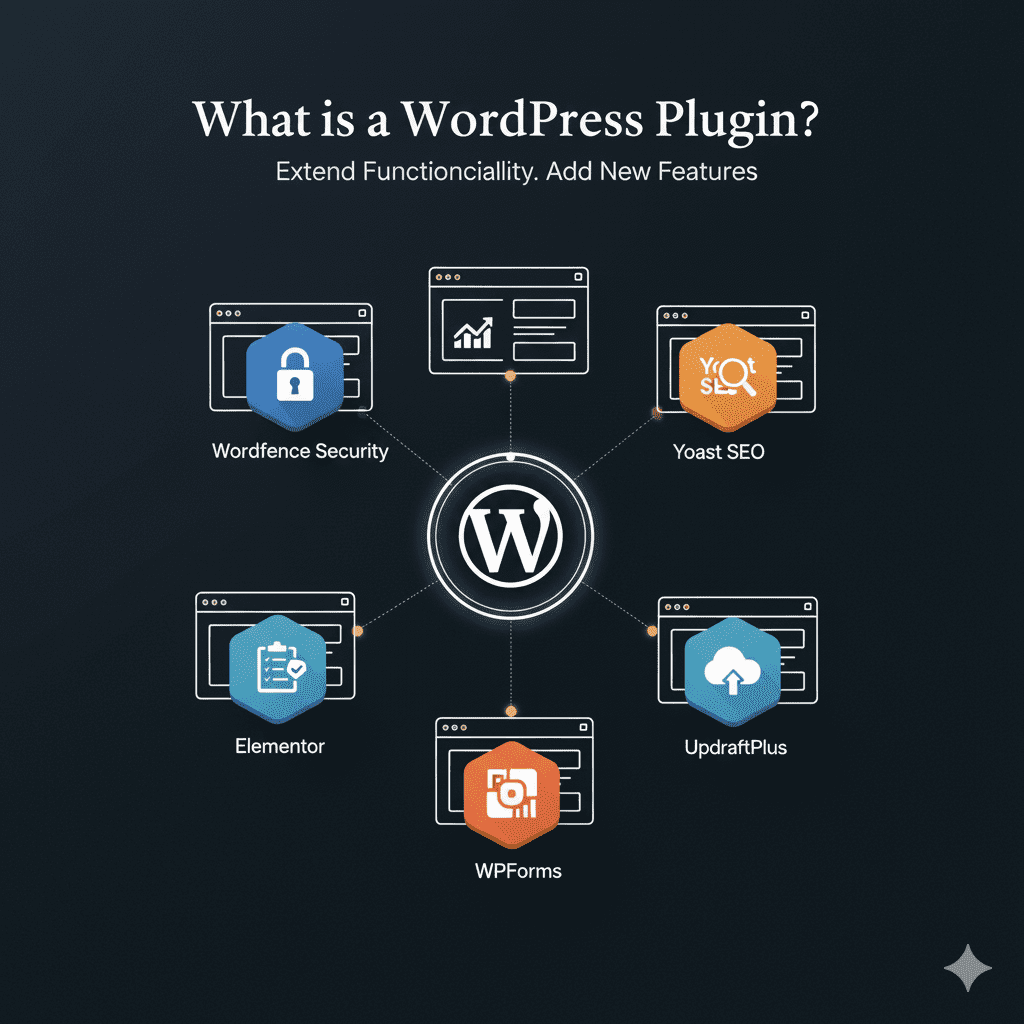
Plugins एक software add-on होते हैं जो आपकी website में extra functionality add करते हैं। ये बिना coding knowledge के, आपकी website को advanced features देने में मदद करते हैं।
Plugins ka Use kaise hota hai:
SEO ke liye: जैसे Yoast SEO plugin आपकी website को search engines के लिए optimize करता है, meta descriptions, keywords aur sitemap manage करता है।
Security ke liye: Wordfence plugin आपकी website को hackers और malware से protect करता है, login security और firewall provide करता है।
Forms banane ke liye: Contact Form 7 या WPForms plugin से आप easily contact forms, survey forms या newsletter signup forms create कर सकते हैं।
Performance ke liye: WP Rocket या LiteSpeed Cache plugin website की speed improve करता है, जिससे user experience aur SEO ranking dono better hoti hai।
E-commerce ke liye: WooCommerce plugin आपकी WordPress website को full-fledged online store में बदल देता है, product listing, payment gateway और order management के साथ।
Extra Features: Plugins आपकी website में नए features add करते हैं बिना coding knowledge के।
Customization: हर plugin अलग functionality provide करता है, जिससे आपकी website पूरी तरह customize हो जाती है।
SEO Friendly: Achhi plugins SEO best practices follow करती हैं, जिससे Google में ranking improve होती है।
Time-Saving: बिना coding के, सिर्फ install और configure करके आप website ready कर सकते हैं।
Tip:
Plugins choose करते वक्त lightweight, regularly updated aur trusted developers वाले plugins select करें। Bahut zyada plugins use करने से website speed slow हो सकती है।
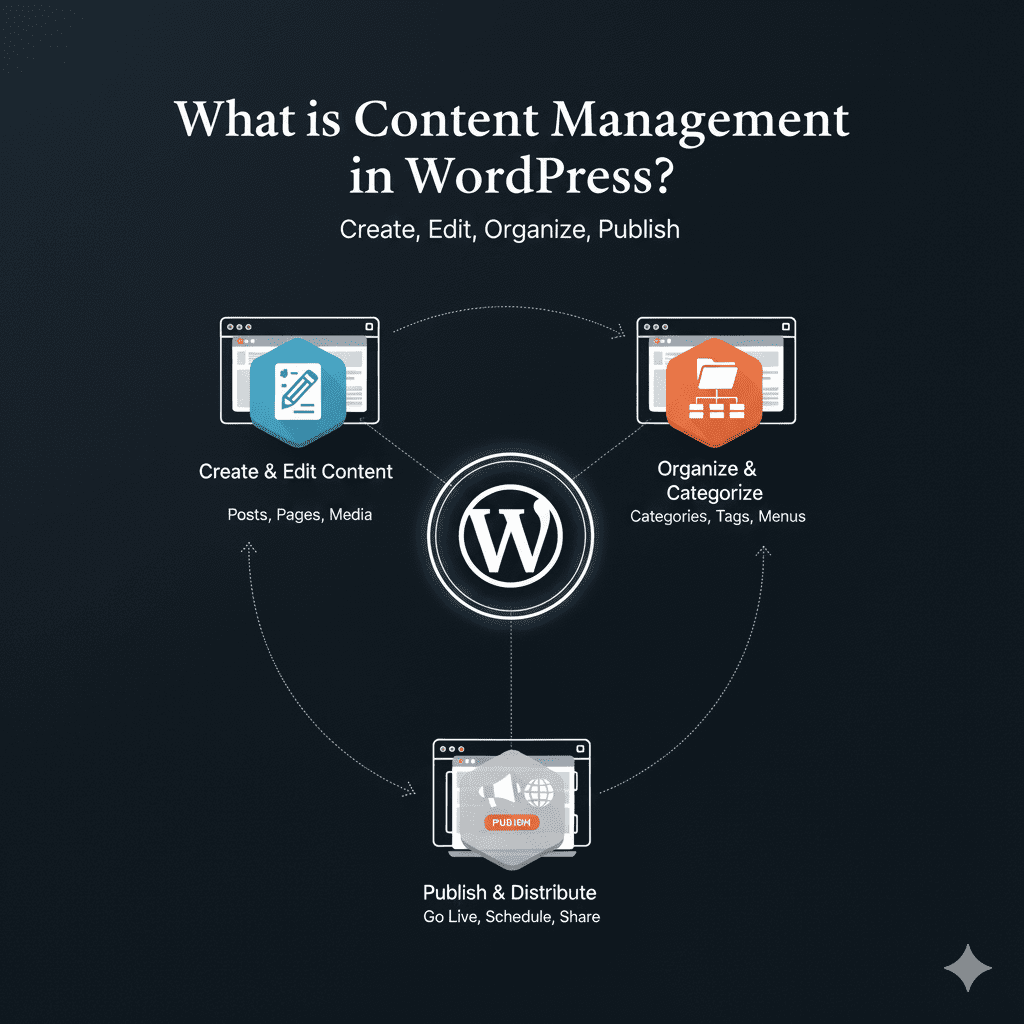
WordPress में content add करना बहुत आसान है। आप Pages aur Posts create कर सकते हैं, Media upload कर सकते हैं (images, videos, documents), और categories/tags का use करके content को organize कर सकते हैं।
Easy Organization: Categories aur tags से आपकी website का content easily searchable और organized रहता है।
Media Handling: Images, videos aur documents upload करना simple है, जिससे content visually attractive बनता है।
SEO Friendly: Proper categories, tags aur meta descriptions use करके आपकी website का Google ranking improve होती है।
Regular Updates: Content को regularly update करना आसान है, जिससे visitors हमेशा fresh information पाएँ।
User Engagement: Blogs aur informative pages create करके आप अपने audience को engage रख सकते हैं।
Tip:
Content create करते समय keywords, headings aur internal linking का ध्यान रखें। इससे आपकी website SEO friendly और Google-friendly बनेगी।
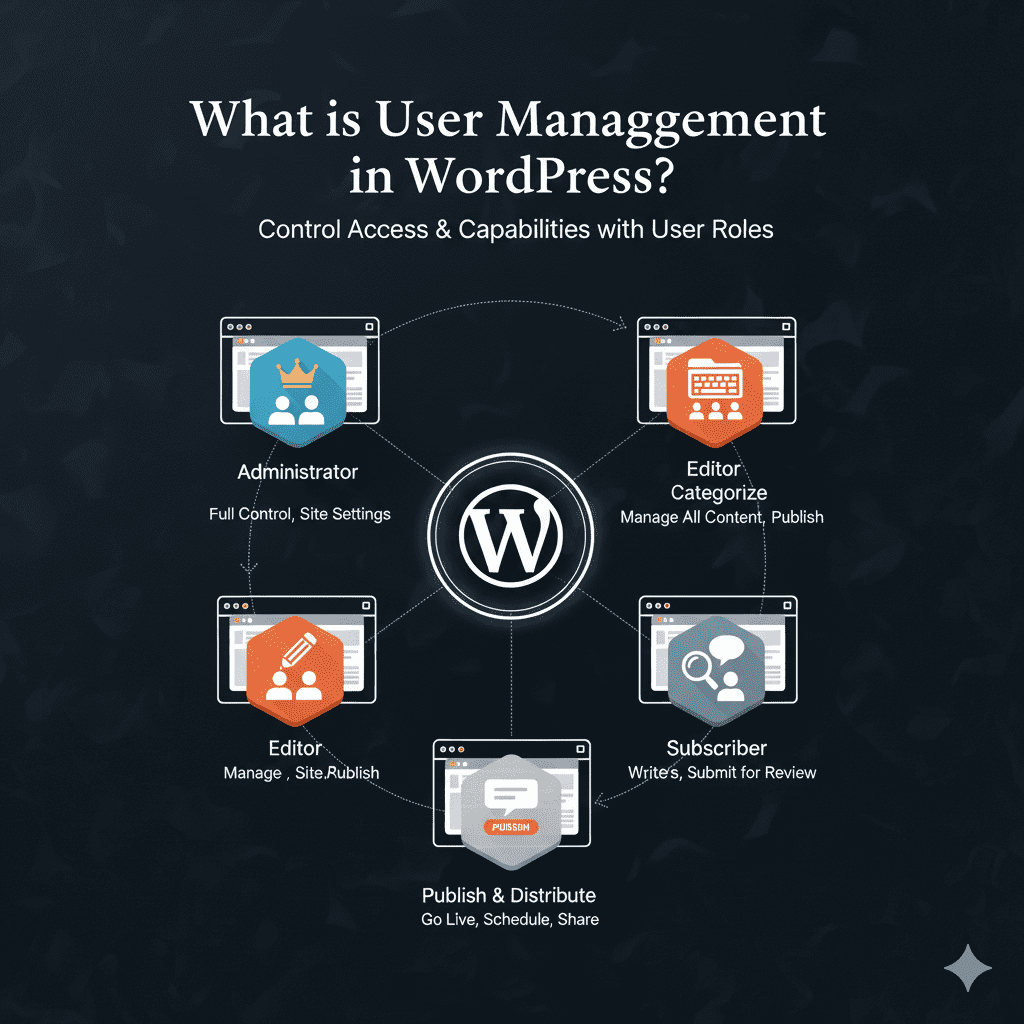
WordPress में multiple user roles होते हैं: Admin, Editor, Author, Contributor, Subscriber। हर role का अपना permission set होता है, जो website management को आसान बनाता है।
Role-based Access: हर user को उसके role के हिसाब से access aur control मिलता है।
Secure Management: Users के permissions set करने से आपकी website secure रहती है।
Easy Collaboration: Multiple users एक साथ काम कर सकते हैं, बिना किसी conflict के।
Content Control: Authors और Contributors सिर्फ content create/edit कर सकते हैं, जबकि Editors और Admins content approve कर सकते हैं।
Admin Control: Admin पूरे website पर full control रखता है, plugins, themes aur users manage कर सकता है।
Tip:
Users add करते समय हमेशा strong passwords aur correct roles assign करें। इससे security aur workflow दोनों smooth रहते हैं।
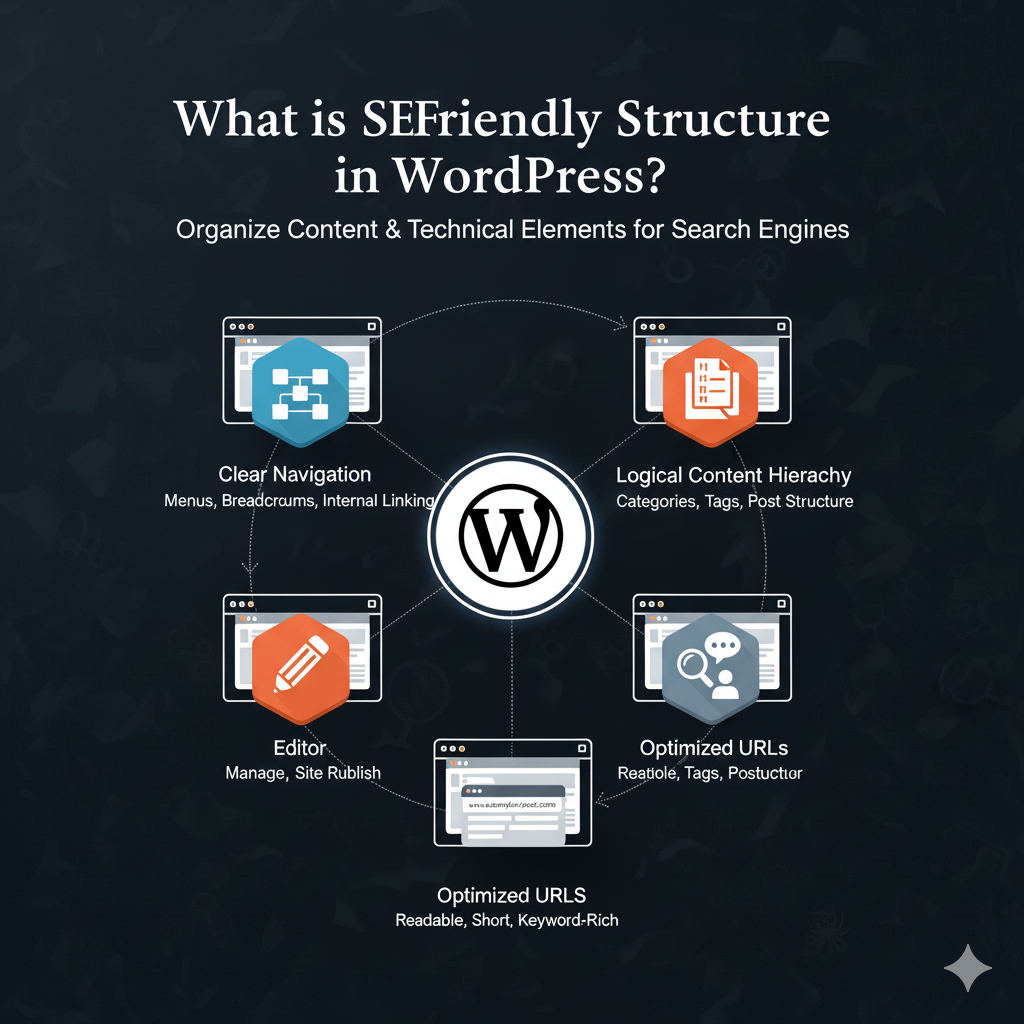
WordPress में SEO-friendly URLs, meta descriptions, alt tags, fast loading, responsive themes आदि built-in होते हैं। SEO improve करने के लिए plugins जैसे Yoast SEO use किया जाता है।
Better Google Ranking: Proper URLs, meta descriptions aur alt tags use करने से आपकी website Google में आसानी से rank करती है।
Fast Loading Speed: Optimized themes aur caching plugins से website fast load होती है, जो user experience aur SEO dono improve करता है।
Responsive Design: Mobile aur tablet friendly themes से सभी devices पर website सही दिखती है।
Content Optimization: Yoast SEO aur similar plugins से aap content ko keywords, readability aur internal linking ke liye optimize कर सकते हैं।
Higher User Engagement: SEO-friendly structure से users ज्यादा समय website पर spend करते हैं, bounce rate कम होता है।
Tip:
SEO-friendly structure create करते समय keywords, headings, internal linking, alt text aur meta tags पर ध्यान दें। इससे आपकी website Google-friendly और user-friendly बनेगी।
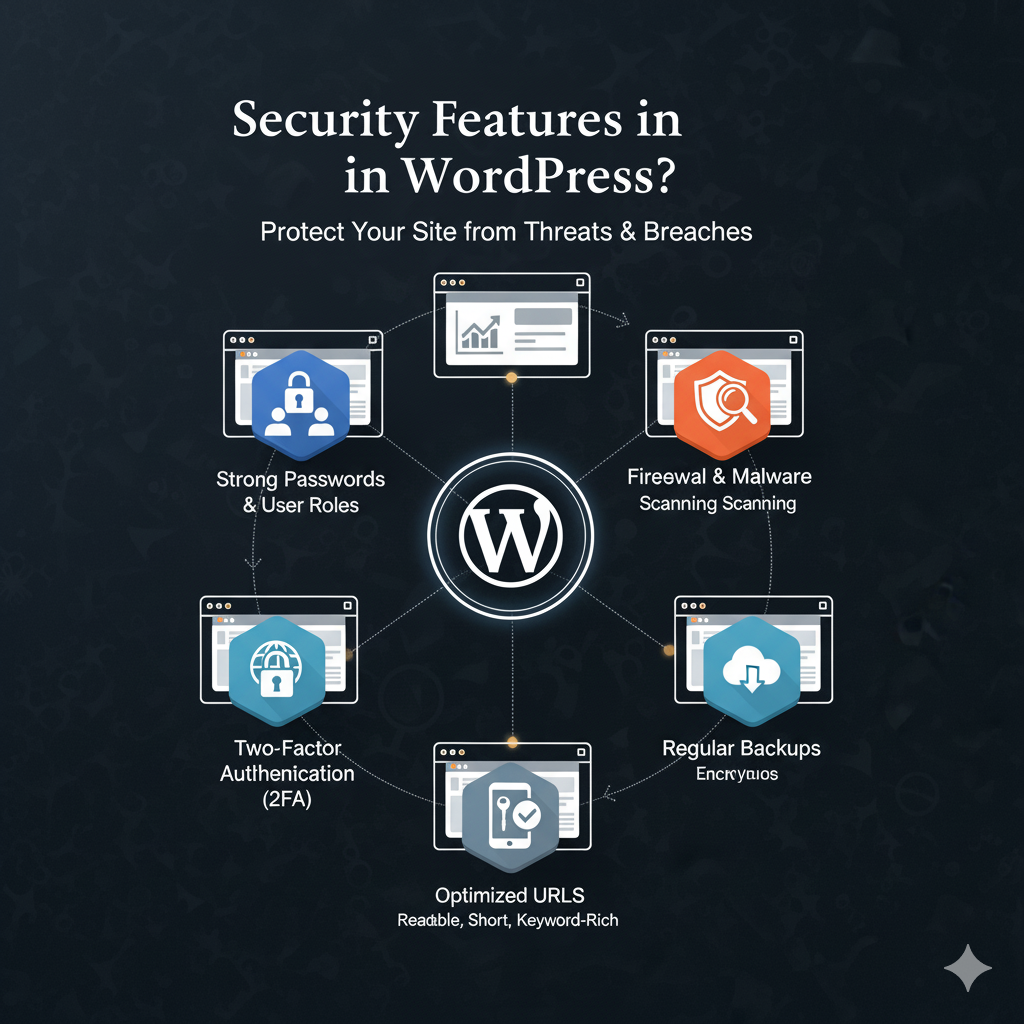
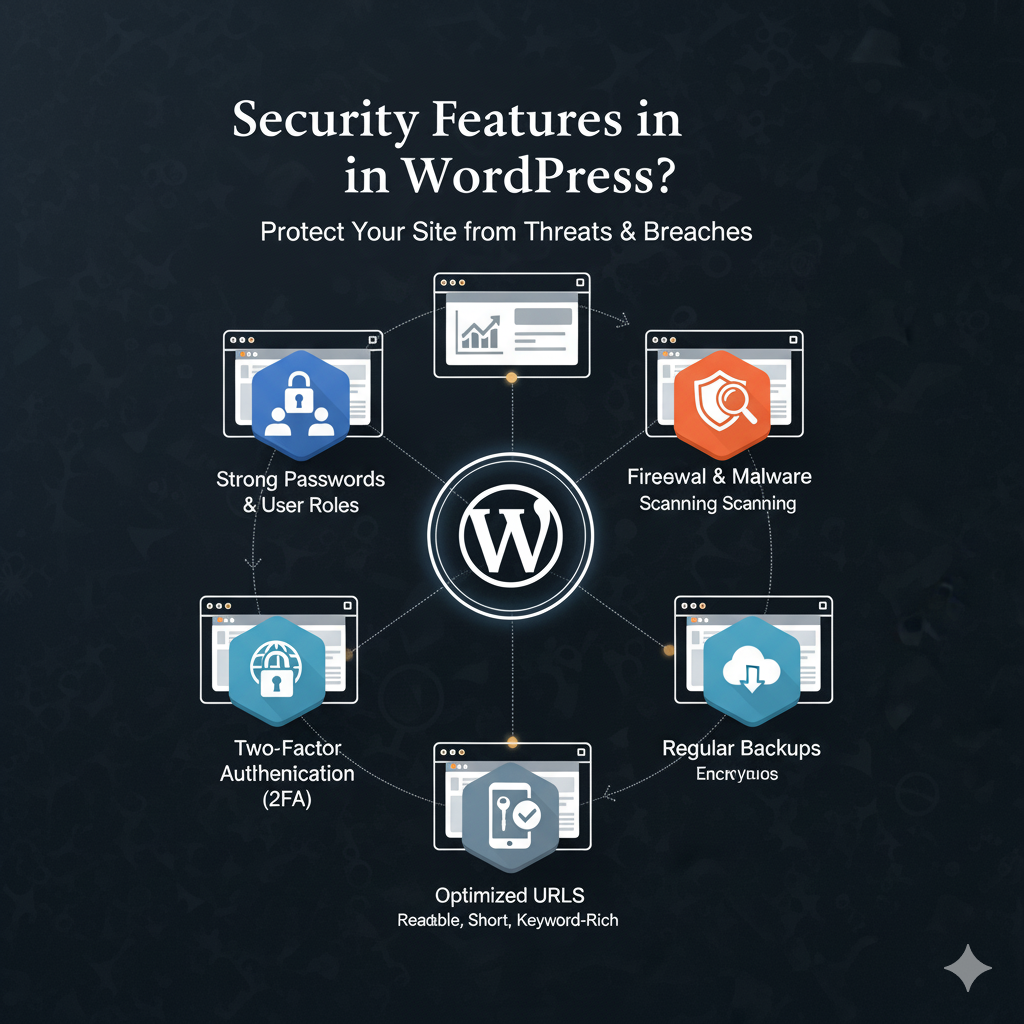
WordPress regularly security updates देता है। Plugins aur themes का update करना जरूरी होता है। Extra security plugins use करके भी website को secure रखा जा सकता है।
Regular Updates: WordPress core, themes aur plugins की updates से website सुरक्षित रहती है।
Secure User Access: Strong passwords, user roles aur permissions से unauthorized access रोका जा सकता है।
Firewall & Malware Protection: Plugins जैसे Wordfence aur Sucuri firewall aur malware scanning provide करते हैं।
Backup & Recovery: Regular backups से किसी भी attack या error के बाद website जल्दी recover की जा सकती है।
SSL & HTTPS: SSL certificate से website secure रहती है और Google ranking भी improve होती है।
Tip:
Security plugins, strong passwords, regular updates aur backups को हमेशा priority दें। इससे आपकी website safe aur reliable बनी रहती है।
WordPress पर WooCommerce plugin का use करके full-featured online store बनाया जा सकता है। Products listing, cart, checkout aur payment gateways support होती हैं।
Product Management: Easily products add, edit aur categorize किए जा सकते हैं।
Secure Payments: PayPal, Razorpay, Stripe जैसे multiple payment gateways integrate किए जा सकते हैं।
Order Management: Customer orders track करना, status update करना और invoices generate करना आसान होता है।
Discounts & Coupons: Store में discounts, coupons aur offers create करके sales बढ़ाई जा सकती हैं।
SEO Friendly Store: WooCommerce store भी SEO optimized रहता है, जिससे Google search में rank improve होती है।
Responsive & Mobile-Friendly: Store mobile aur tablet devices पर perfectly work करता है।
Tip:
WooCommerce use करते समय secure payment gateways, regular plugin updates aur fast loading themes का ध्यान रखें। इससे आपका online store Google-friendly aur user-friendly दोनों बनेगा।
WordPress में automatic backup plugins जैसे UpdraftPlus use करके regular backup लिया जा सकता है। Maintenance के लिए security checks, plugin updates aur database optimization करना जरूरी होता है।
Data Safety: Regular backup से किसी भी data loss या website crash के बाद website आसानी से restore की जा सकती है।
Smooth Performance: Database optimization aur plugin updates से website fast aur smooth रहती है।
Security Assurance: Security checks और updates से आपकी website hacking aur malware से protected रहती है।
Reduced Downtime: Regular maintenance से website downtime minimum रहता है।
SEO Friendly: Well-maintained website fast load होती है, जिससे Google ranking improve होती है।
Tip:
Backup और maintenance के लिए trusted plugins, scheduled backups aur regular checks का ध्यान रखें। इससे आपकी website safe, secure aur Google-friendly बनी रहती है।